← Back to Blog
Published: February 19, 2026 | Reading time: 5 minutes
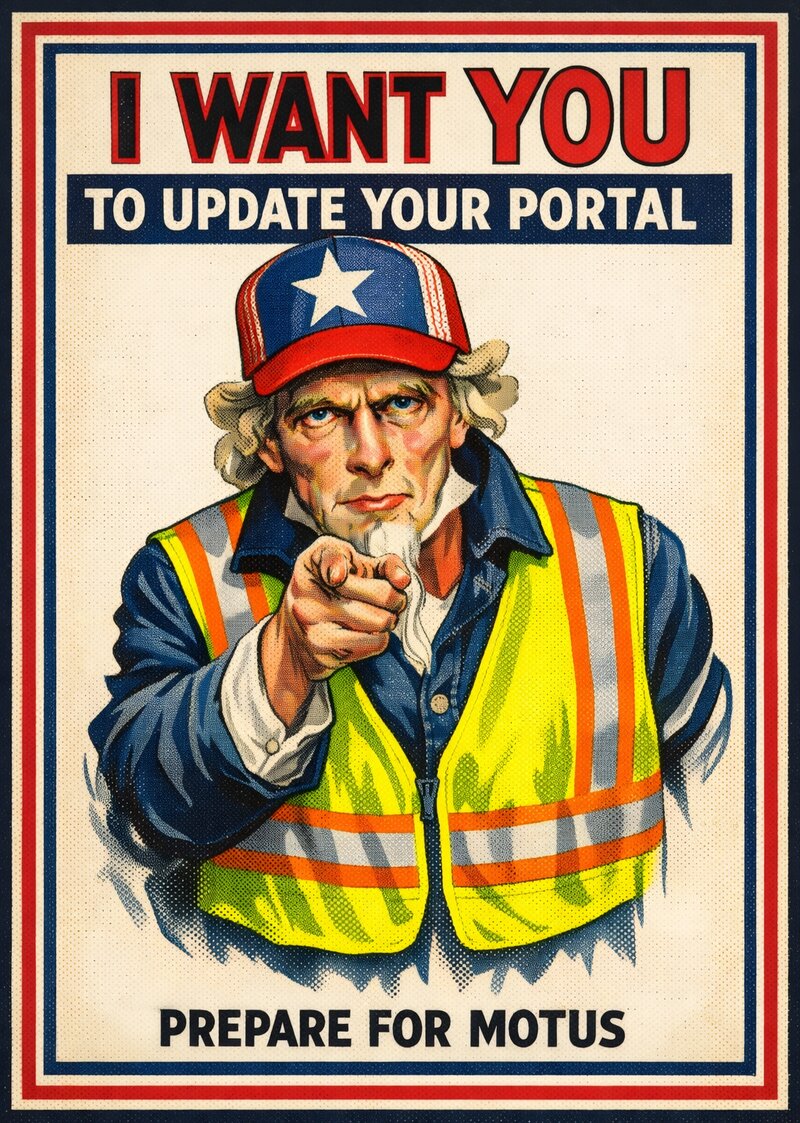
Uncle Sam — or in this case, FMCSA — wants YOU to take action before they launch their new registration system, MOTUS. If you have a USDOT number or operating authority (MC, MX, or FF), this applies to you. The good news: it's straightforward. The bad news: if you put it off, the transition could be a headache.
Here's what's happening and what you need to do.
MOTUS is FMCSA's new USDOT Registration System, and it's long overdue. It's designed to be an all-in-one online platform that will replace the current FMCSA Portal for registration-related tasks. Think of it as a major upgrade to how carriers interact with FMCSA for things like updating company information, managing operating authority, and filing biennial updates.
FMCSA expects to launch MOTUS in the first half of 2026, though as with any large software project, that timeline could shift. What won't shift is the need to have your current portal account in good shape before the switch happens.
FMCSA has been emailing carriers directly with three specific action items. If you haven't seen the email (or it ended up in spam), here's what they're asking:
Log into the FMCSA Portal and confirm you can access your account. If you haven't logged in for a while, now's the time to make sure everything still works. One common issue is that carriers can't remember or are locked out of their Login.gov account. Make sure you're using the correct Login.gov account that you used when you set up the portal.
If you can't log in or don't have an account yet, give us a call at 651-482-1124. We help carriers fix their portal problems all the time (believe us, there are a ton of them).
Once you're logged in, check who's listed as the Company Official on your account. This is the person authorized to make registration changes on behalf of your company with FMCSA.
This matters because when MOTUS launches, account access and permissions will carry over. If the wrong person is listed, fix it now. If you don't, setting up MOTUS will be much harder. Often we see the company official is someone who left the company, a former 3rd party compliance service, or just an outdated contact. You'll want to fix that now rather than scrambling later.
Go to the Registration tab in the FMCSA Portal and submit your MCS-150 update. This ensures your company information (address, contact info, vehicle count, operation type, etc.) is current in FMCSA's records.
Even if you recently filed, it's worth double-checking that everything is accurate. Outdated information in the system could cause problems during the MOTUS migration.
If you've never set up an FMCSA Portal account, here's how to get started:
- Retrieve your USDOT PIN. You'll need the PIN that FMCSA mailed to your business address. If you don't have it, you can request a new one through FMCSA by following the steps below
- Click this link to Request Your DOT Pin
- If your email or cell phone at FMCSA is up-to-date, click the "Immediately Delivered" link
- Click the link for either requesting your existing USDOT PIN or a USDOT PIN Reset.
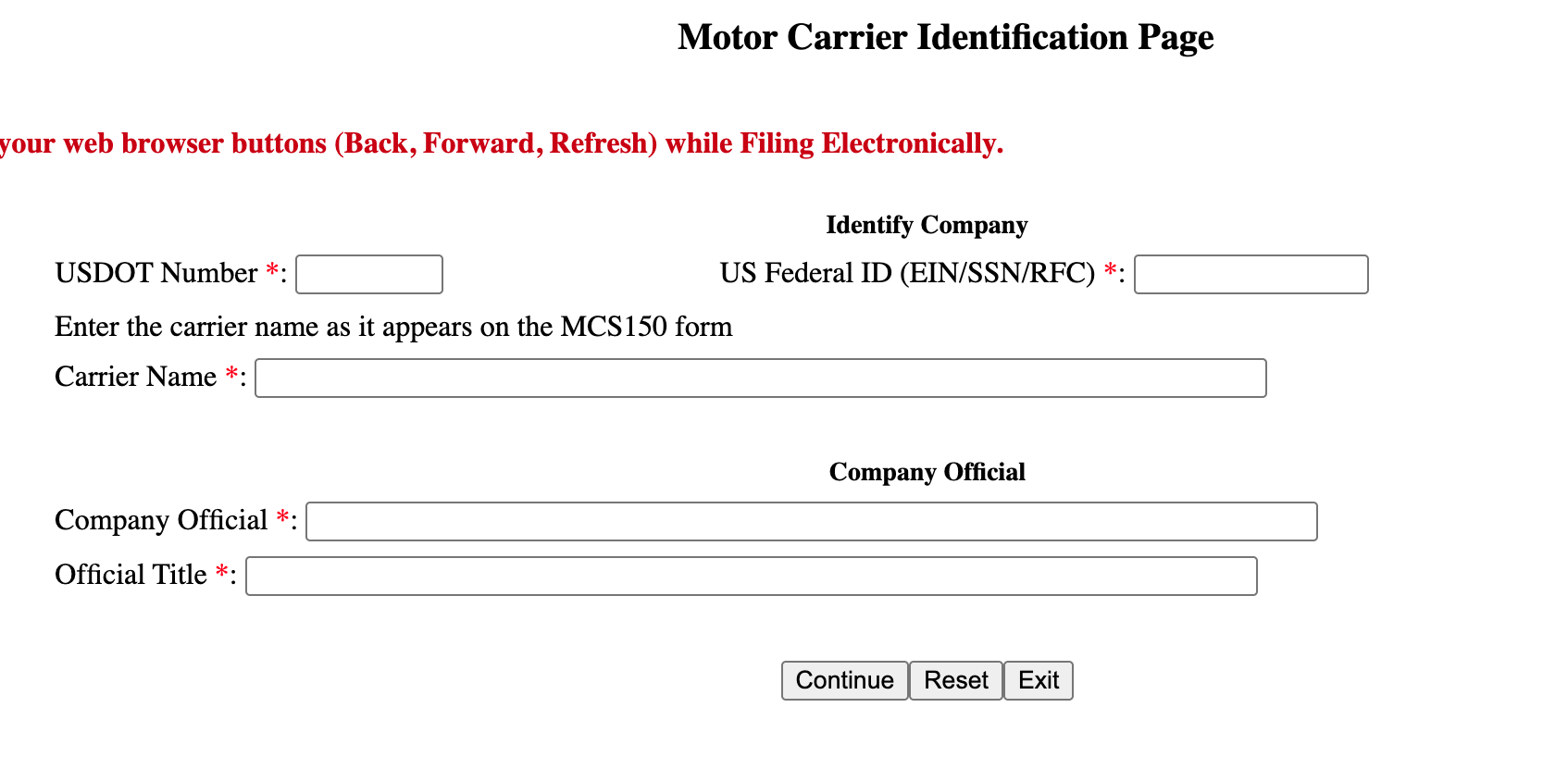
- On the form on the following page, enter your
- USDOT Number,
- Your Federal Tax ID (aka "EIN"). This must match the EIN on your USDOT profile.
- Your Carrier Name, again this must match the Company Name at FMCSA
- The Name & Title of the Company Official
- Note: when you complete this method, FMCSA will email you a verification code. This is not your DOT PIN.
- If your email or cell phone are out-of-date at the FMCSA, click the "Mailed" option
- Click "Yes" on the first page
- On the second page enter your USDOT Number, the Name and Title of the Company Official on file with the FMCSA
- Choose if you want a copy of your existing USDOT PIN or a new USDOT PIN

- Create a Login.gov account. FMCSA uses Login.gov for authentication. Go to Login.gov and create an account using a business email address.
- Register for your FMCSA Portal account. Once you have your PIN and Login.gov account, go to the FMCSA Portal and follow the steps to link your USDOT number to your new account.
If any of these steps give you trouble, give us a call. We walk carriers through this process regularly.
Consultran is an early test user of MOTUS, so we're already familiar with how the new system works. We deal with the FMCSA Portal every day on behalf of our clients, and we know the common pitfalls. We solve problems quickly that can take a carrier hours on the phone with FMCSA's call center.
Whether you need help activating your portal account, verifying your Company Official information, filing your MCS-150 update, or just have questions about what MOTUS means for your business — we're here.
Call us at 651-482-1124 or contact us online and we'll help you get squared away before MOTUS goes live.
← Back to Blog